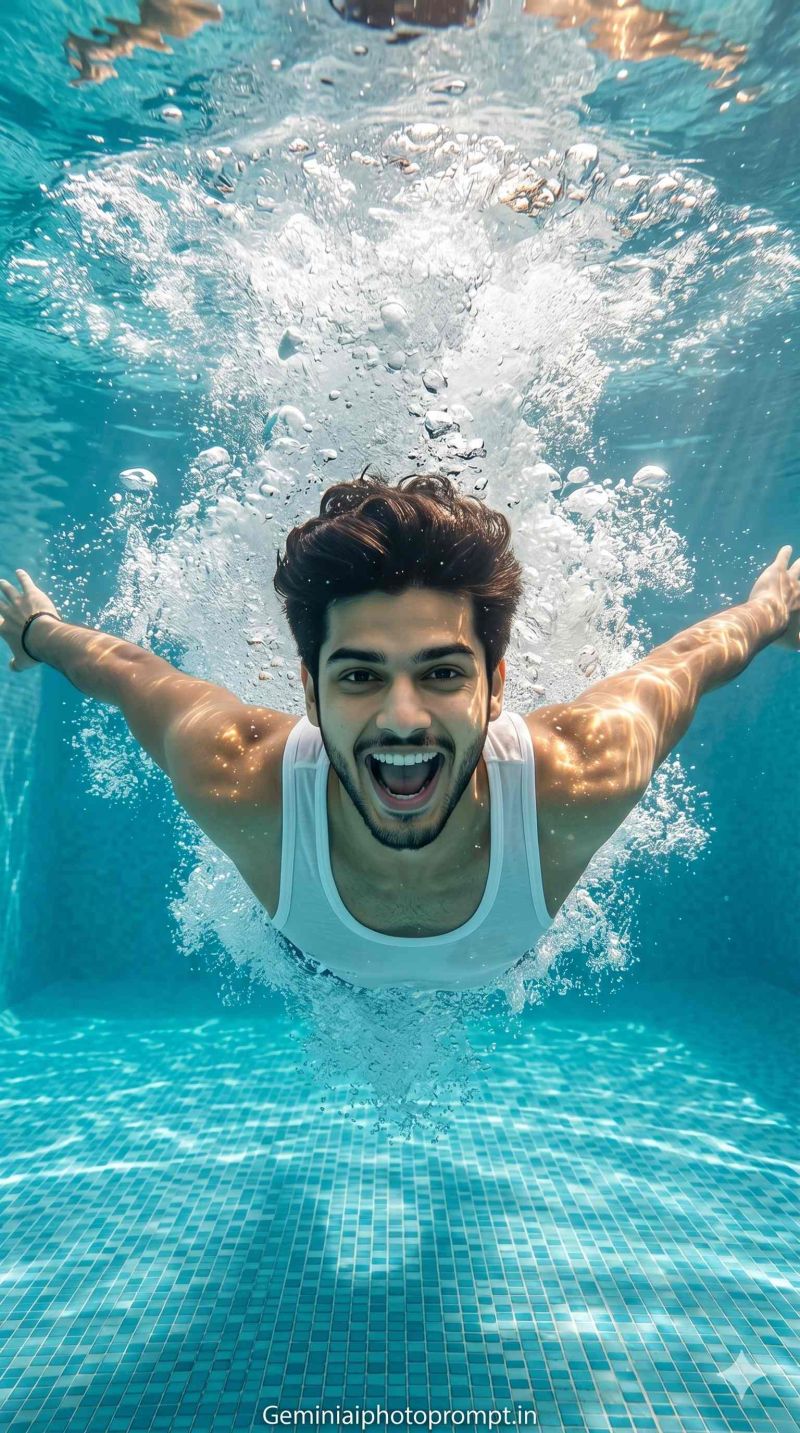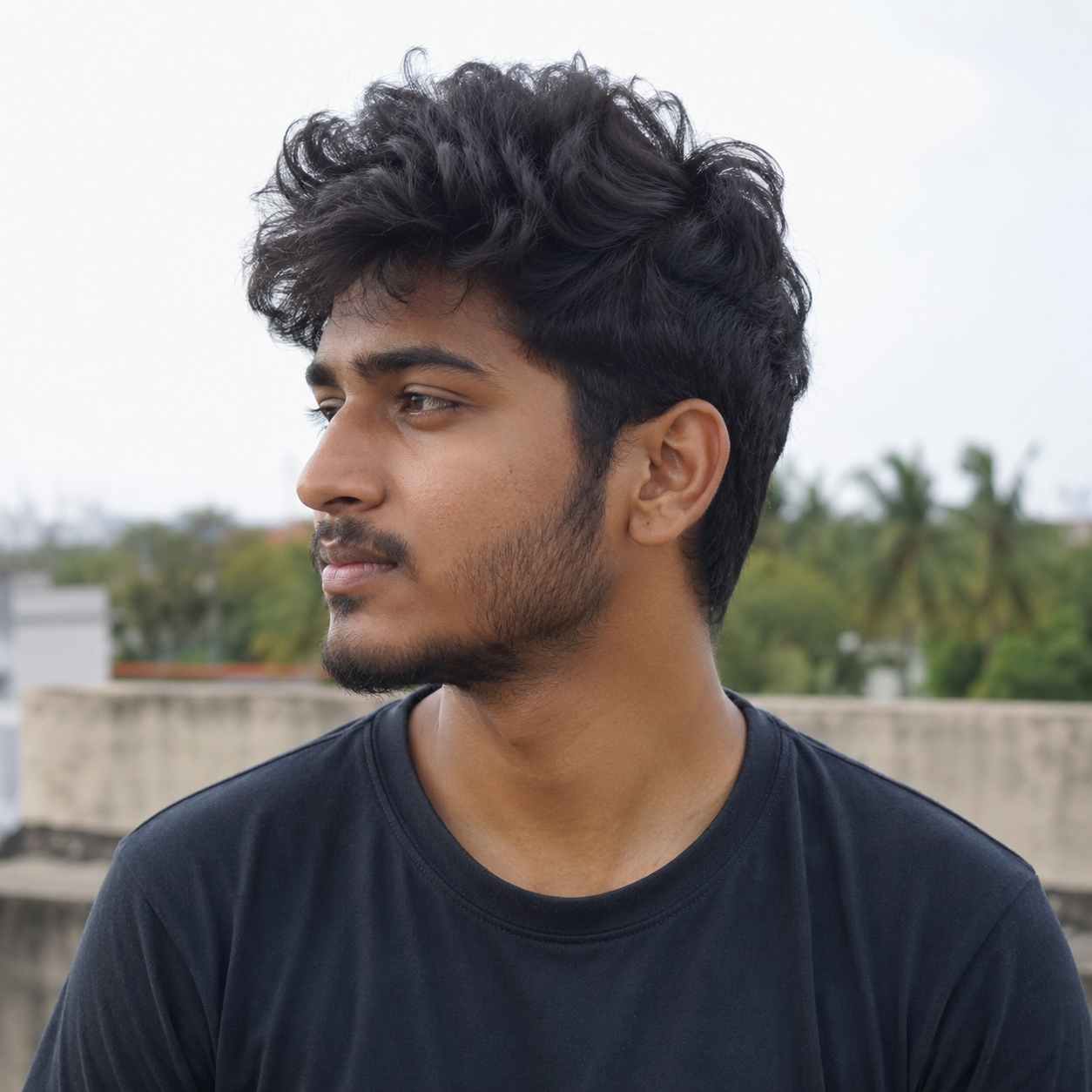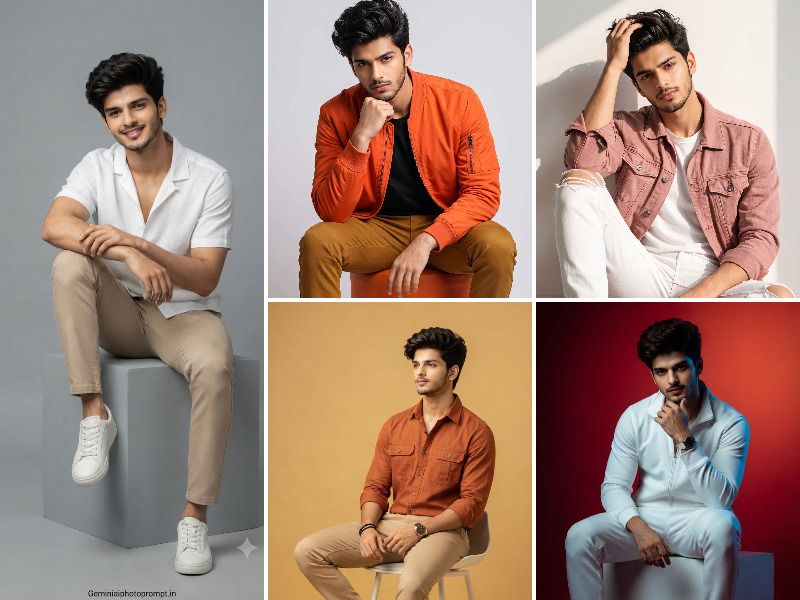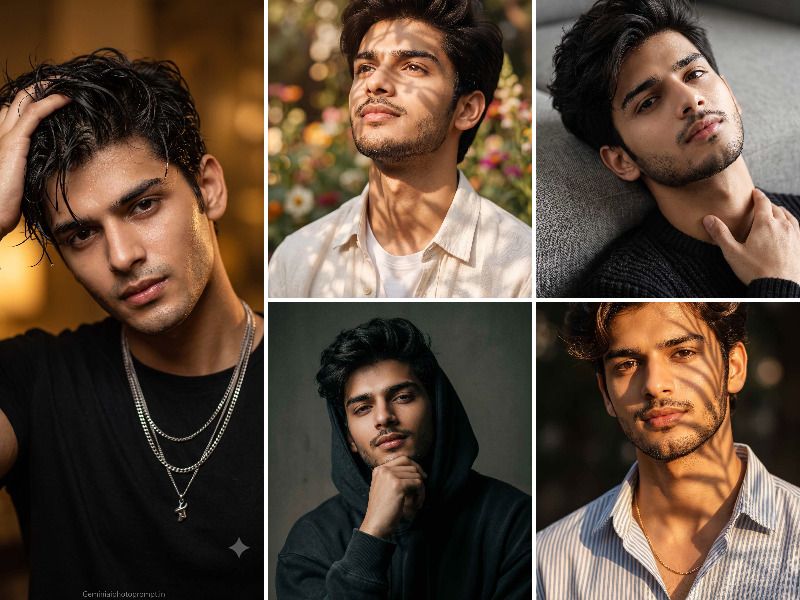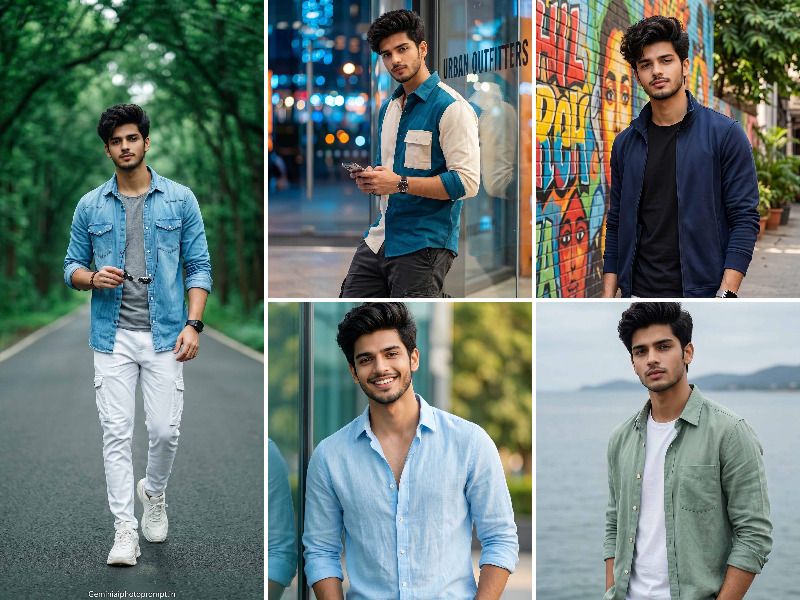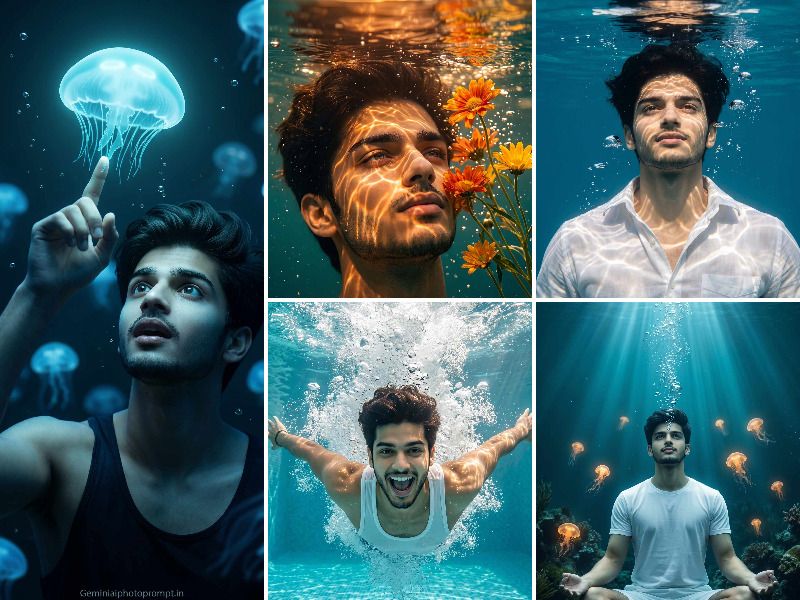
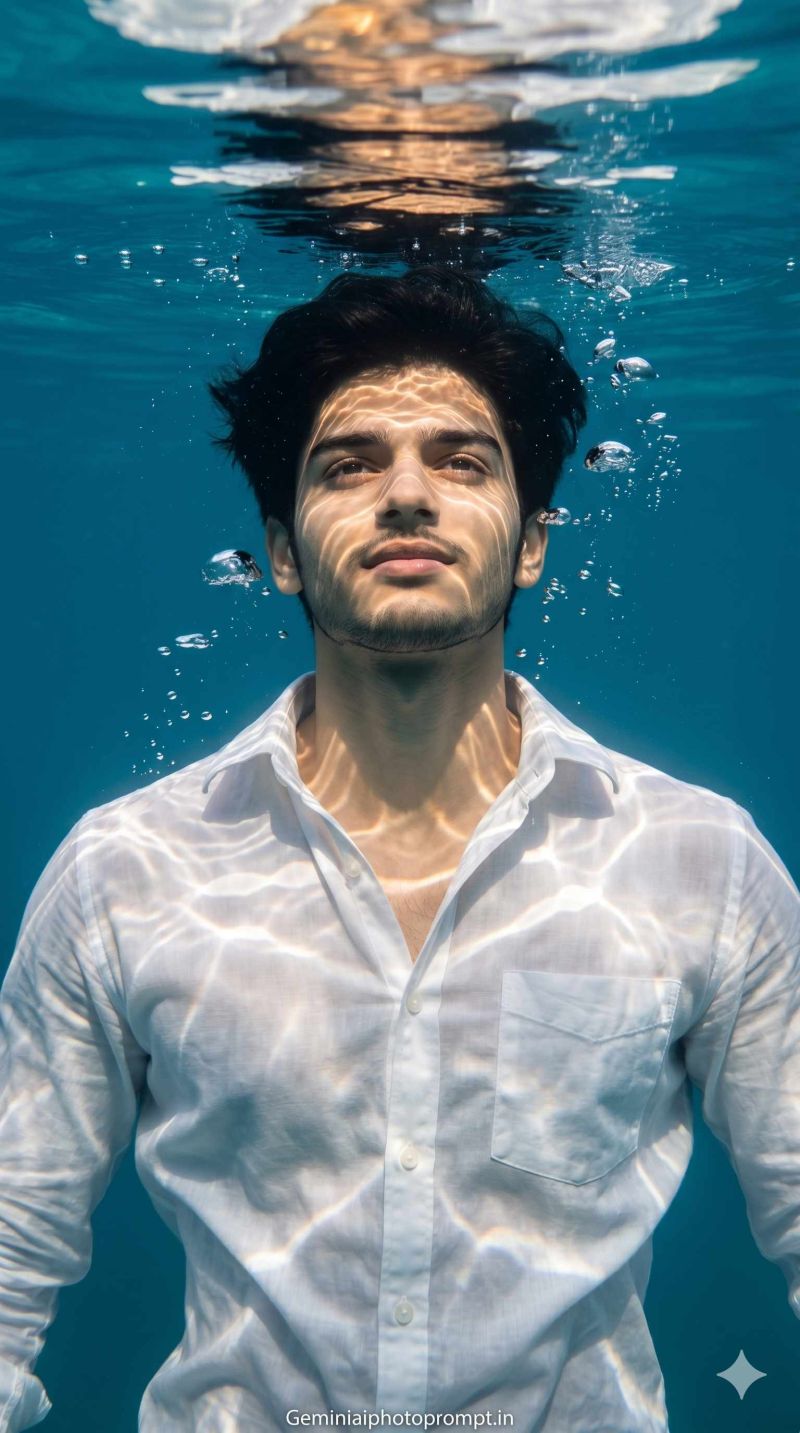
Hello friends, here are some of the best Gemini AI prompts for underwater photo editing that will make your photos look like you actually went deep sea diving and came back with the most insane shots on Instagram.
Underwater edits have this otherworldly quality that no other AI edit can match — the deep blue tones, the light rays filtering through the water, the bubbles, the whole mysterious ocean vibe around you. And the best part is you do not need to go anywhere near water for this. These prompts for Gemini AI take your regular photo and transform it into a cinematic underwater shot that looks so real people will actually ask you where you dived. One good Gemini prompt and your simple photo becomes something nobody in your feed has ever posted before.
Open Google Gemini, upload your photo and paste any prompt from below.
What to Take Care of for Better Output
- Use a clear front facing photo
the AI needs to see your full face clearly to create a realistic underwater effect around you - Avoid wearing very dark outfits
dark clothes tend to blend into the deep water background and affect the overall output quality - A simple background in your original photo works best
the AI replaces the background completely so a clean original photo gives a sharper underwater result - Do not use a heavily filtered photo
raw natural clicks respond much better to Gemini AI prompts and give a more realistic underwater feel - Try the prompt 2 to 3 times
underwater edits can vary significantly between generations so always pick the most realistic looking output - A full body or half body shot works better than a face only photo
more of your body visible means a more immersive and believable underwater scene
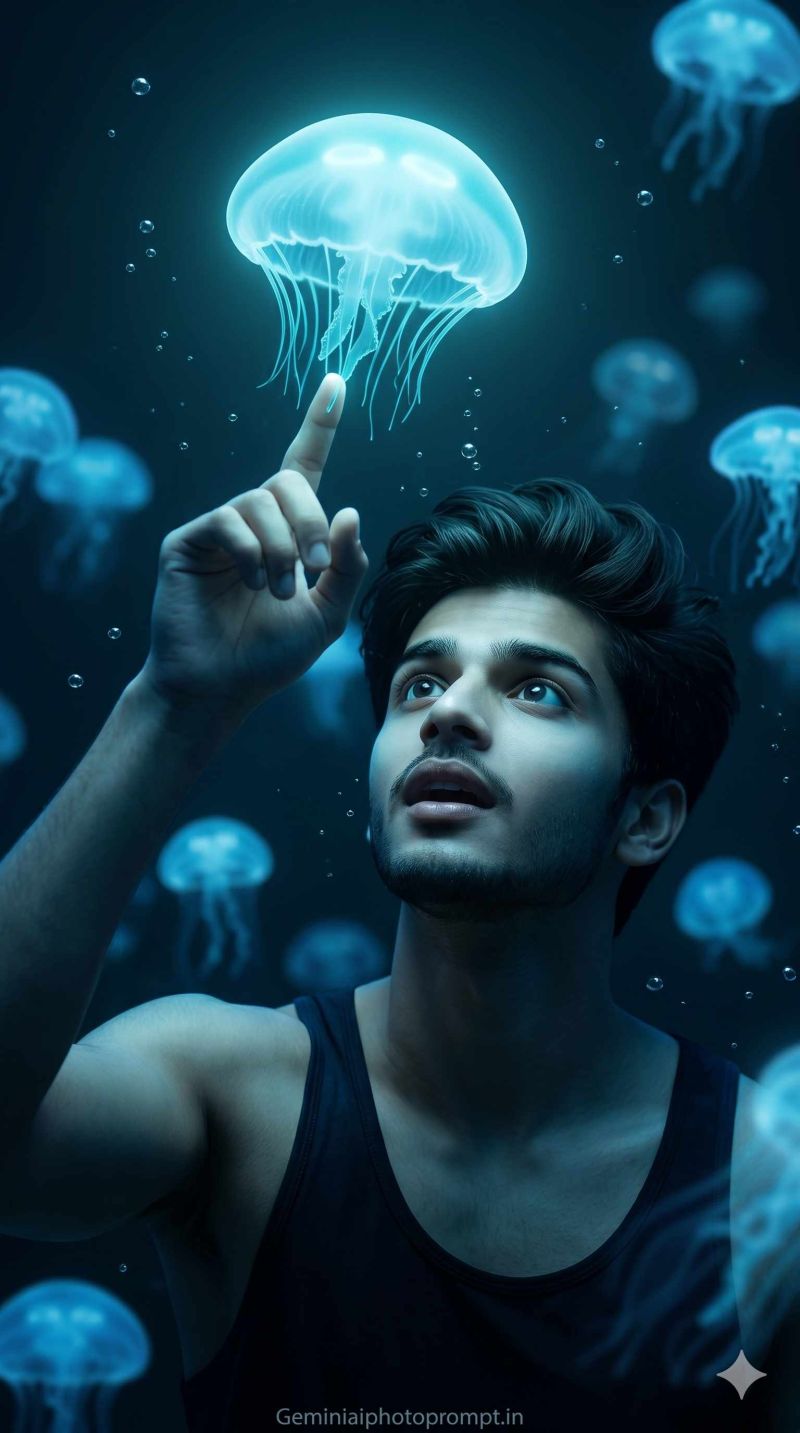


Photos that make you unforgettable.
Generate Unlimited Custom Photos with 300+ prompt templates.
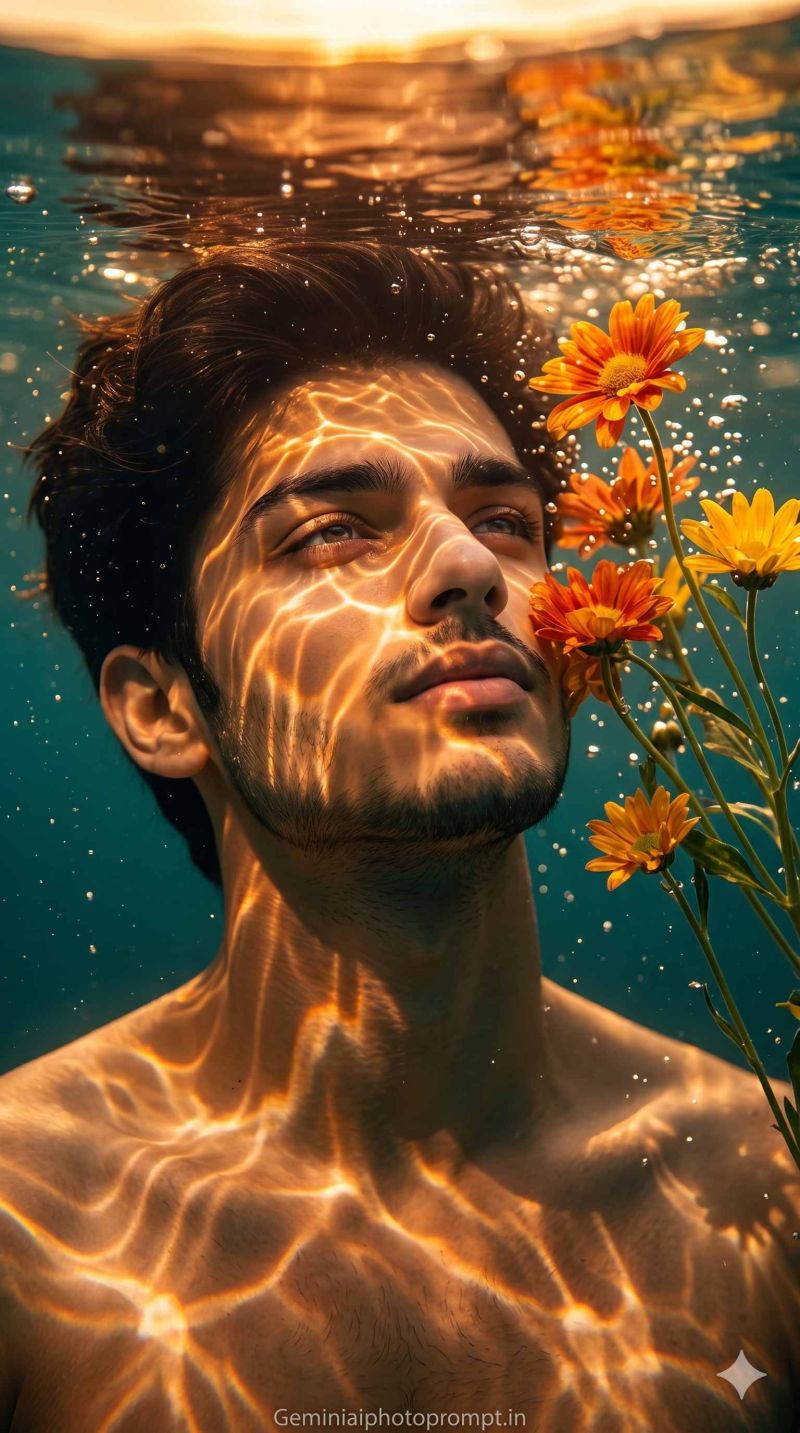


Photos that make you unforgettable.
Generate Unlimited Custom Photos with 300+ prompt templates.


Photos that make you unforgettable.
Generate Unlimited Custom Photos with 300+ prompt templates.